

Desktop database IDE · macOS, Windows, Linux
One IDE for SQL, NoSQL and search
Connect to PostgreSQL, MySQL, Redis, MongoDB, Elasticsearch and more. Write queries with autocomplete that knows your schema, and browse every database the same way. Free to use.
Also for Windows (Microsoft Store) and LinuxRelease notes
Databases
Ten databases, one way of working
Each one has its own connector, connection form and docs page with a step-by-step guide.
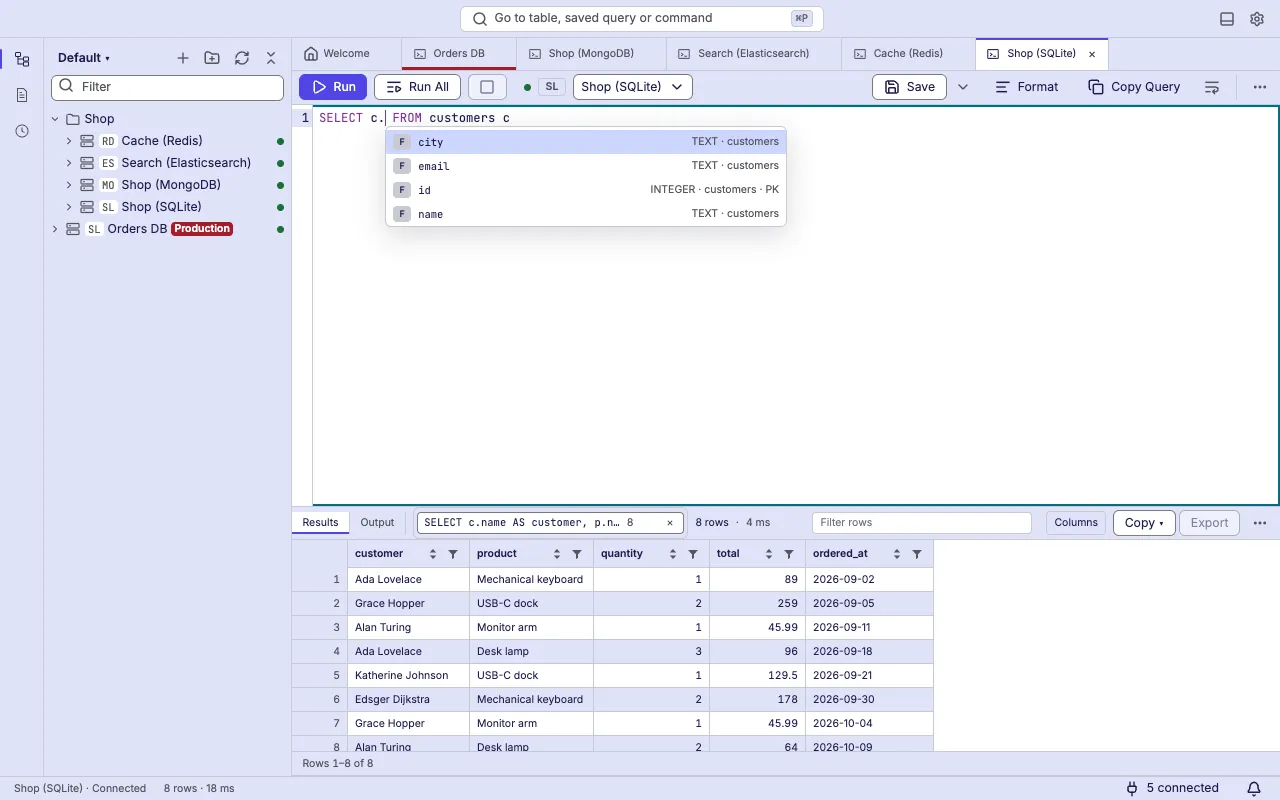
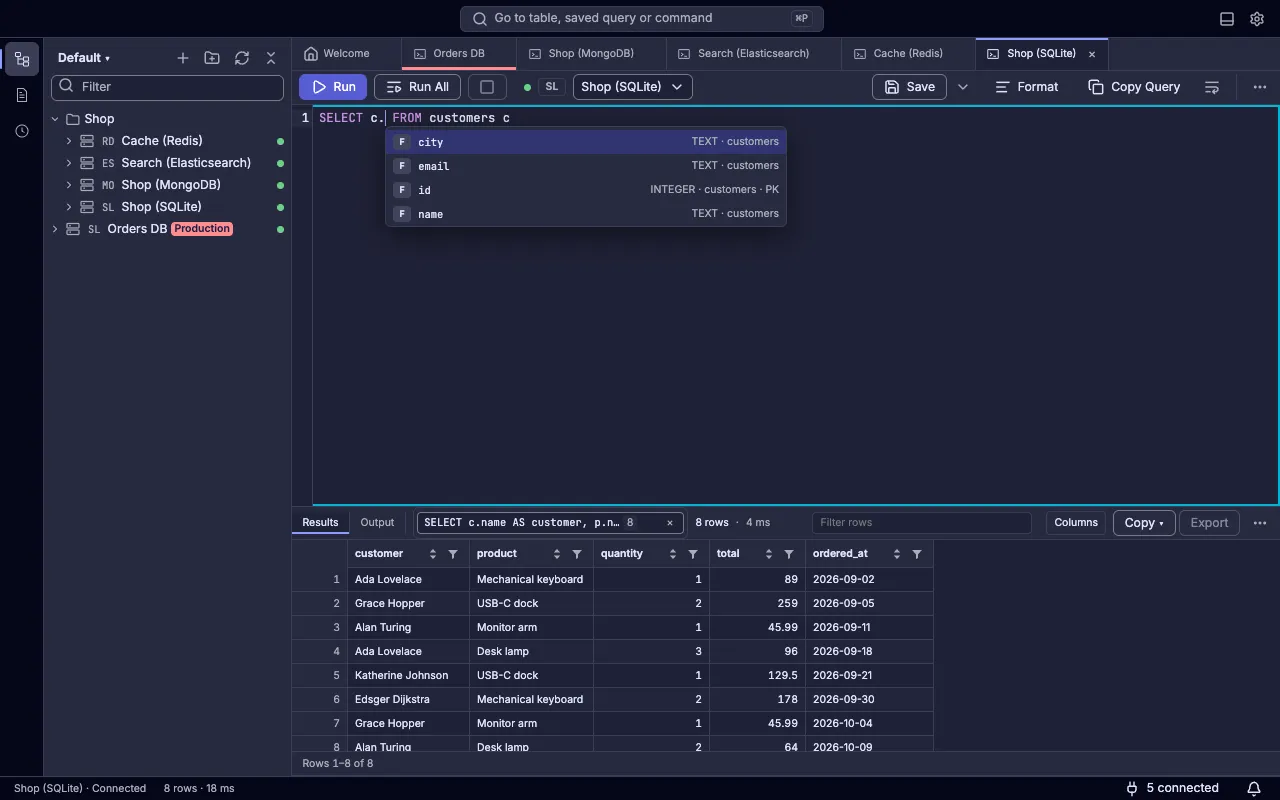
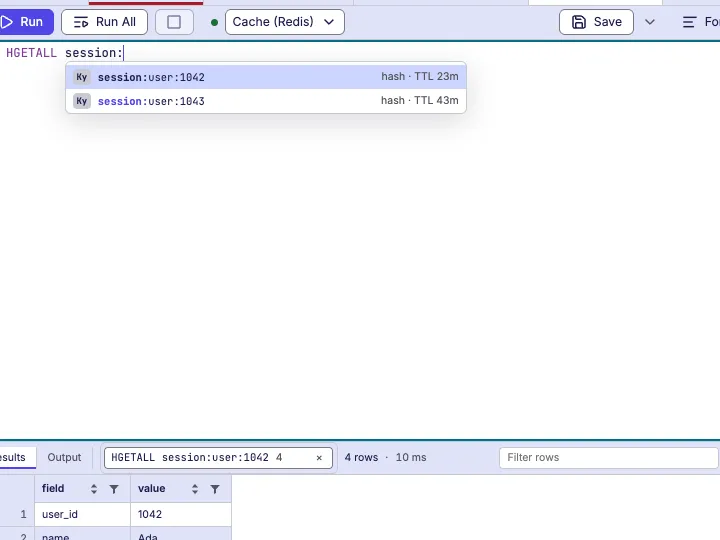
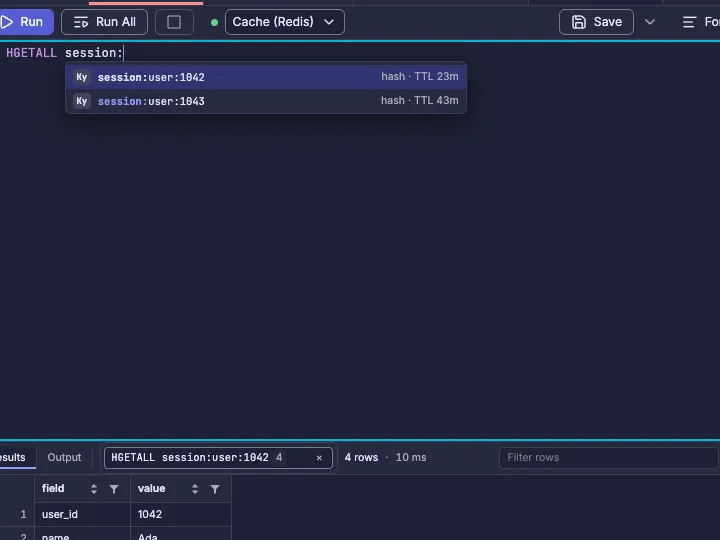
Autocomplete
Completion that knows your schema
Tables, columns, functions and keywords for SQL and CQL, and commands and key names for Redis, ranked by what fits where your cursor is.
- Reads your schema without touching your open transaction
- Works for PostgreSQL, MySQL and MariaDB, SQLite, Cassandra and Redis
Explorer
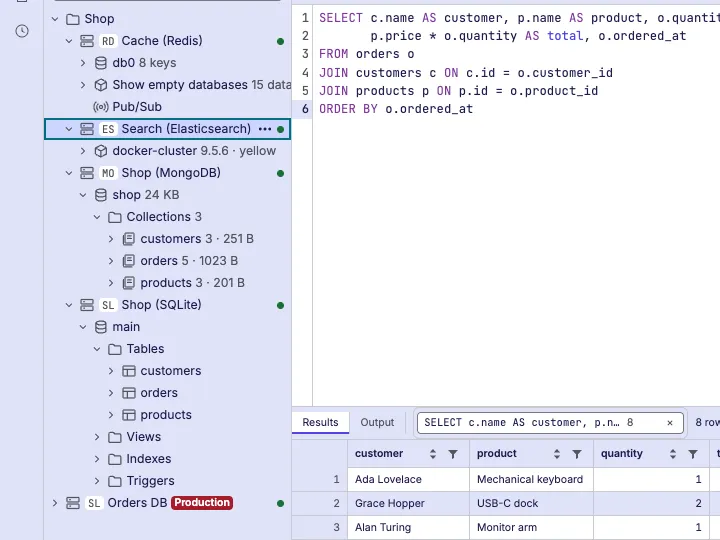
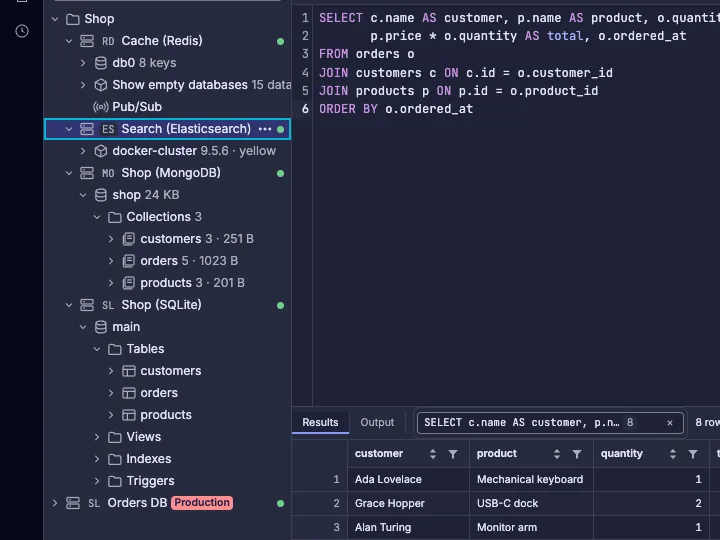
Browse every database the same way
Schemas and tables, Redis keys by prefix, MongoDB collections, Elasticsearch indices and DynamoDB tables in one tree, sorted into your own folders.
Safe by default
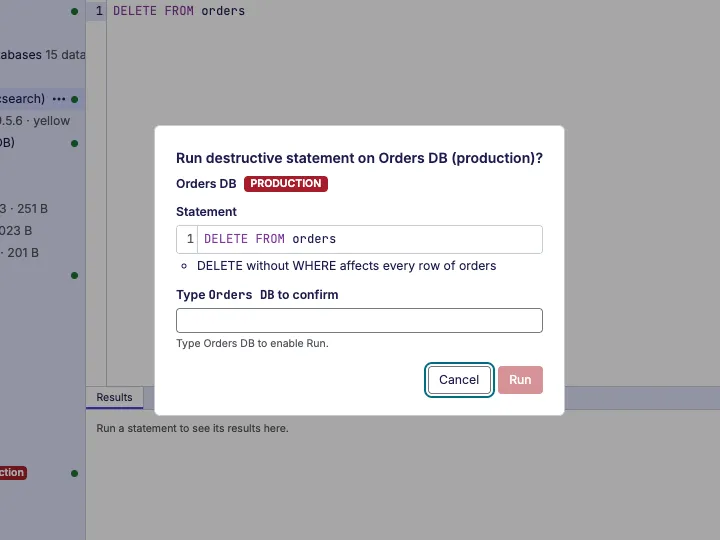
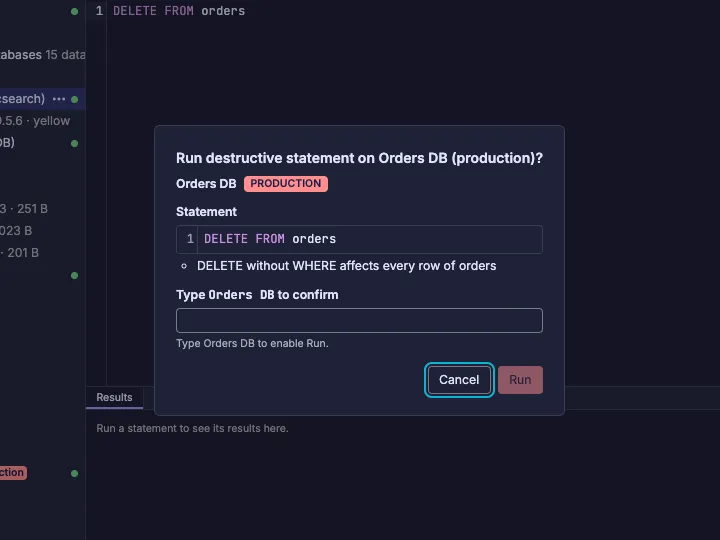
Hard to break production by accident
Read-only connections refuse writes before they reach the server. Destructive statements ask first, and Production connections are marked everywhere.
Built in
The rest of a daily driver
Secure connections
Verified TLS on new remote connections (Cassandra is plaintext only), passwords encrypted by your operating system, and AWS IAM, IAM Identity Center (SSO) and Secrets Manager sign-in.
Fast results
Table data opens in pages, with filters and sorting done by the database. Copy rows as CSV, JSON, Markdown or SQL INSERT statements.
Extensions
Every database is an extension in its own process, so a crash shows an error on that connection and the app stays responsive.
Workspaces
Keep separate sets of connections, saved queries and environments for each project.
History
Every statement you ran, on every connection, with its duration and row count, and a search box to find it again.
Keyboard first
The command center finds tables, saved queries and commands, and every shortcut is shown next to its command.
Screenshots
See it
Help
Questions? Write to us
Support
Stuck connecting, or found a bug? Email support@dataklin.com. Say which database you use and the DataKlin version from About.
Everything else
Feedback, ideas and questions: contact@dataklin.com.
Docs first
Most connection problems are covered in each database's troubleshooting section and in Troubleshooting.
Download
DataKlin 1.1.0, released
macOS
- DataKlin 1.1.0 for macOS, Apple silicon (.dmg)136.9 MBsignature for DataKlin 1.1.0 for macOS, Apple silicon (.dmg)
SHA-256
f965e5ab626acff5469511ee687699b9179894b0f71a93fe5d41e8710dcb3cef
Needs a Mac with Apple silicon. DataKlin 0.2.0 is the last release for Intel Macs.
- DataKlin 1.1.0 for macOS, Apple silicon (.dmg)136.9 MBsignature for DataKlin 1.1.0 for macOS, Apple silicon (.dmg)
Windows
Recommended Get it from the Microsoft Store Version 1.0.1
Signed and updated by the Store.- DataKlin 1.1.0 for Windows, Installer (.exe)124.1 MBsignature for DataKlin 1.1.0 for Windows, Installer (.exe)
SHA-256
25e662af933527d98960120c8a68afec2feb23d620c1898e899dcffbd805ee04
These builds are unsigned. If SmartScreen appears, choose More info, then Run anyway. How to open these builds
- DataKlin 1.1.0 for Windows, Installer (.exe)124.1 MBsignature for DataKlin 1.1.0 for Windows, Installer (.exe)
Linux
- DataKlin 1.1.0 for Linux, AppImage131.0 MBsignature for DataKlin 1.1.0 for Linux, AppImage
SHA-256
b1f3b80b67c29f290cf3a58dfead190ab8bcb07ff478989588a614b0c3fd5a24 - DataKlin 1.1.0 for Linux, Debian and Ubuntu (.deb)103.8 MBsignature for DataKlin 1.1.0 for Linux, Debian and Ubuntu (.deb)
SHA-256
96d21770fb243f7d38dd526e4270a8979482ec52bce47037daab313ea756232b
- DataKlin 1.1.0 for Linux, AppImage131.0 MBsignature for DataKlin 1.1.0 for Linux, AppImage
Verify
SHA256SUMS (checksums for every file, signature) · How to verify a download · All releases